Face Score Calculator
Try the free face score calculator and read your result with percentile context.

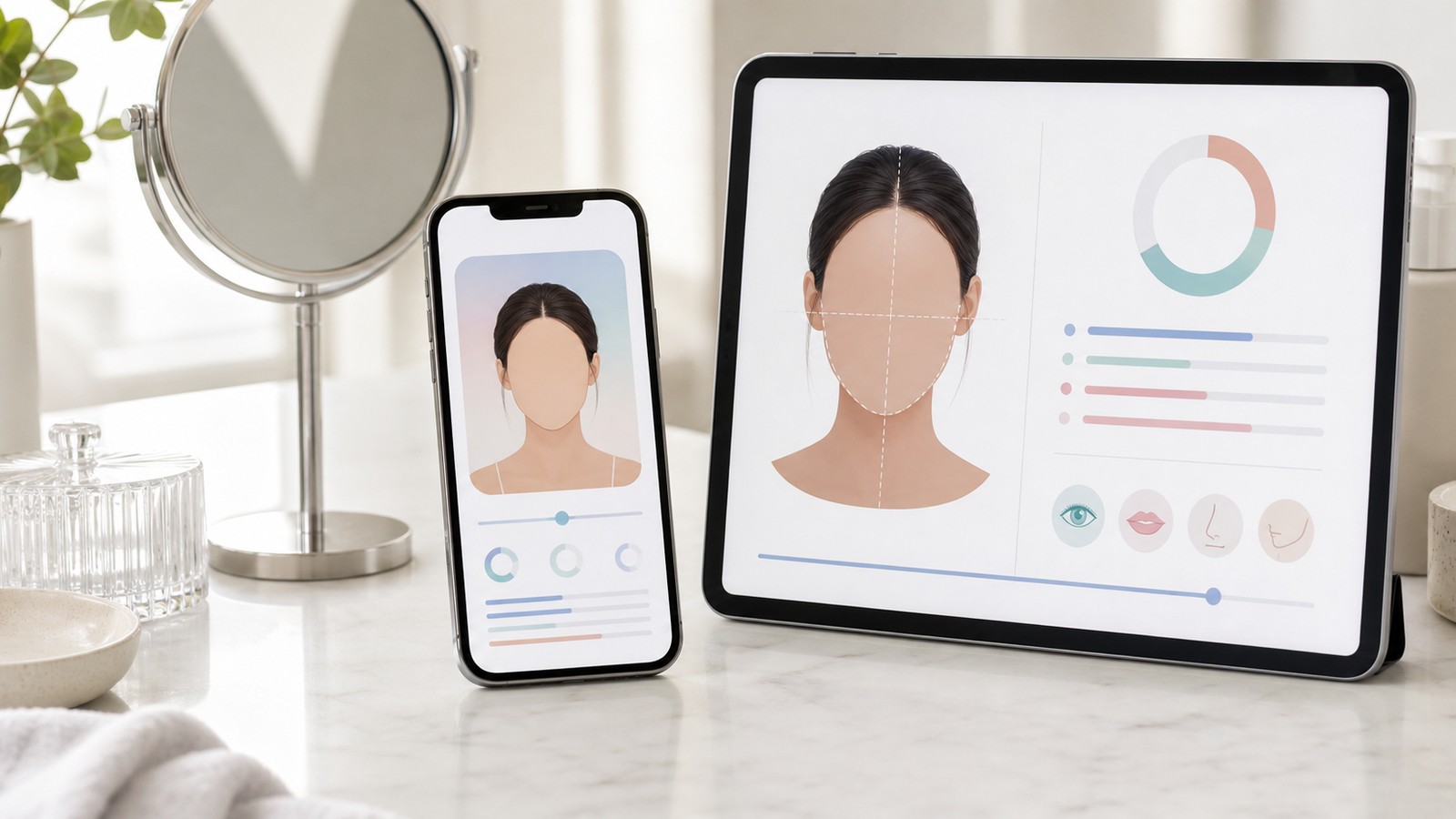
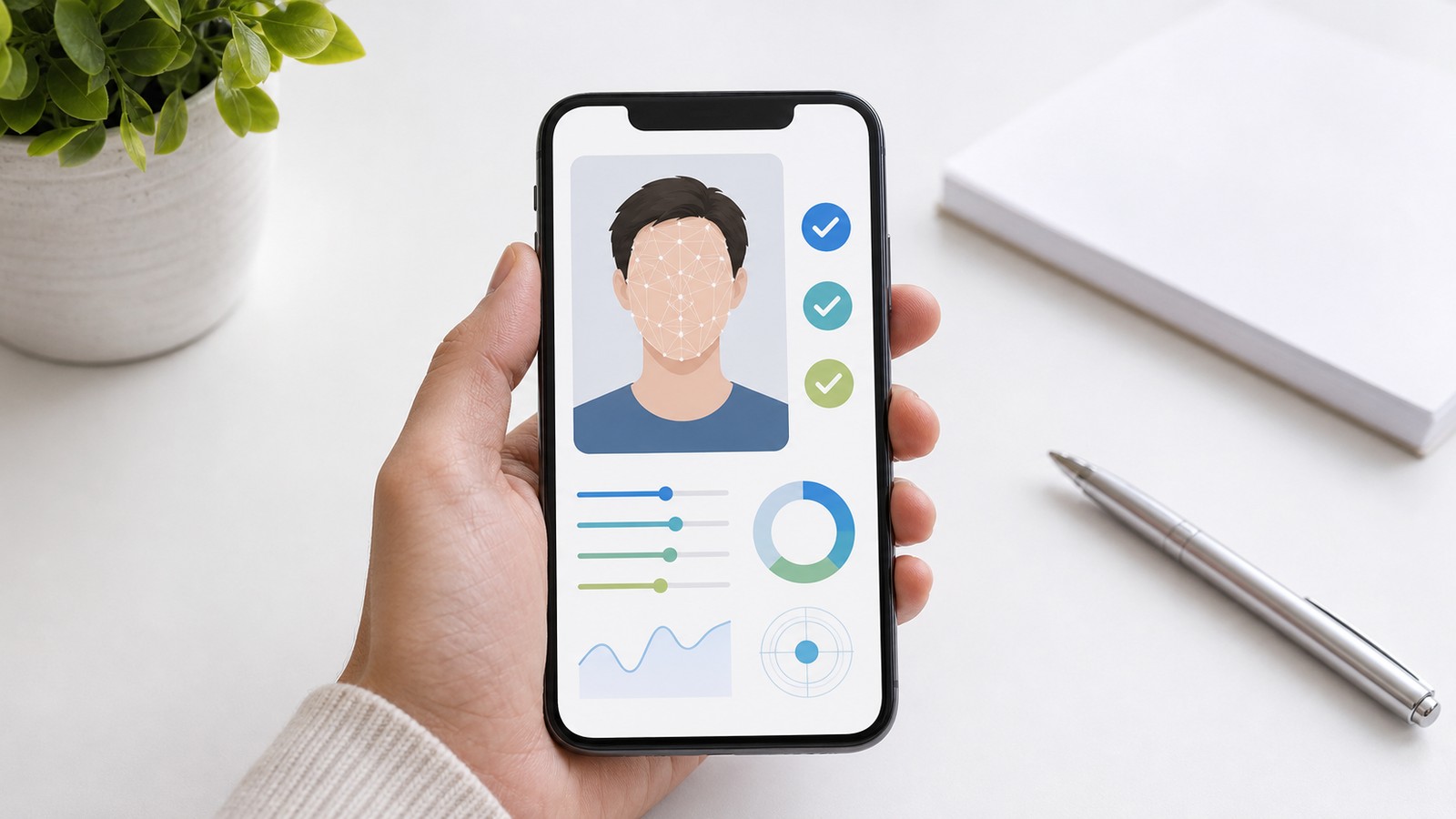
You do not need to post your photo to a forum full of strangers to get it rated. FaceScore's AI rates your face privately: upload a face photo and receive a 100-point face score, a beauty score, a percentile, and a Top %, with no public comment section.
Rate My Face AI gives a quick AI reading of an uploaded face photo. The tool examines the image and estimates how the face appears according to the model's learned visual patterns, including visible structure, balance, and presentation. The result is useful when you want a fast face rating, beauty score, and profile-photo comparison reference.
The advantage of an AI face rating is consistency. If you upload several photos, FaceScore uses the same result format each time. That makes it easier to compare images than asking different people on different days. One photo may produce a higher score because the light is cleaner, the face angle is easier to read, or the expression appears more balanced. Another photo may feel more natural to you even if the beauty score is lower. Both pieces of information can matter.
The 100-point score is the simplest part of the result. It gives you a number that can be compared across your uploads. The top percentage adds context. A percentile-style result tells you how the score sits against the tool's reference distribution. This helps prevent overreacting to a raw number. A result is more useful when you read the face score and top percentage together rather than focusing on only one.
FaceScore is useful for profile-photo decisions. If you are choosing a dating profile image, social avatar, professional headshot, or creator profile picture, the score can help you notice which image reads more clearly. Use the number alongside your purpose. A professional page may need trust and clarity. A social profile may need warmth. A creative profile may need personality. A face rating can support that choice with a quick score and percentile.
If the result is lower than expected, try another image before drawing conclusions. The tool reads the photo, so lighting, angle, expression, and sharpness can change the score. Poor lighting, a tilted angle, or a tense expression can make a good face photo score worse than a cleaner image. A high score highlights strong model alignment and can help you pick a stronger profile-photo candidate.
FaceScore works best when you treat it as a practical feedback tool. Upload a photo, get a 100-point face score, check the beauty score and top percentage, then decide what to do with that information. You can repeat the process with different images and look for patterns. If one photo consistently scores higher and also feels like you, it may be a strong candidate. If another photo scores slightly lower but better fits your style, that may still be the right choice.
To get a better rate my face result, choose a clear photo. A front-facing or slightly angled portrait usually works better than a group image or a heavily cropped picture. Natural light is helpful. Avoid strong filters, extreme shadows, blur, and anything that covers the eyes or main facial outline. If you are testing multiple photos, use images with similar framing so the beauty calculator is comparing presentation fairly.
A face rating tells you how well the photo reads to the model. A clean image, visible face, and comfortable expression usually make the feedback more useful. When several photos are close, compare the score, percentile, and your intended use to choose the image that works best.
Rate My Face AI is simple: a private photo upload, a clear 100-point result, and a percentile-style context. It gives you organized feedback without public comments or exaggerated promises. Use it when you want a quick face rating, a beauty calculator reference, or a calmer way to compare photos before sharing them.
FaceScore can analyze an uploaded face photo and return a 100-point score with percentile context and a Top %.
Yes. FaceScore can be used as an AI beauty score, AI face rating, and free AI face rater for checking one clear face photo online.
No. Human feedback depends on taste and context. FaceScore gives an algorithmic face rating in a consistent format.
That is expected. Lighting, angle, expression, focus, and crop can affect the result.
Yes. The result can be one reference when choosing between photos, especially if you compare images with similar conditions.
It is mainly a face score and beauty calculator, but users also use it as a photo comparison tool.