Beauty Score Calculator
Learn how FaceScore reports a beauty score from a clear face photo.

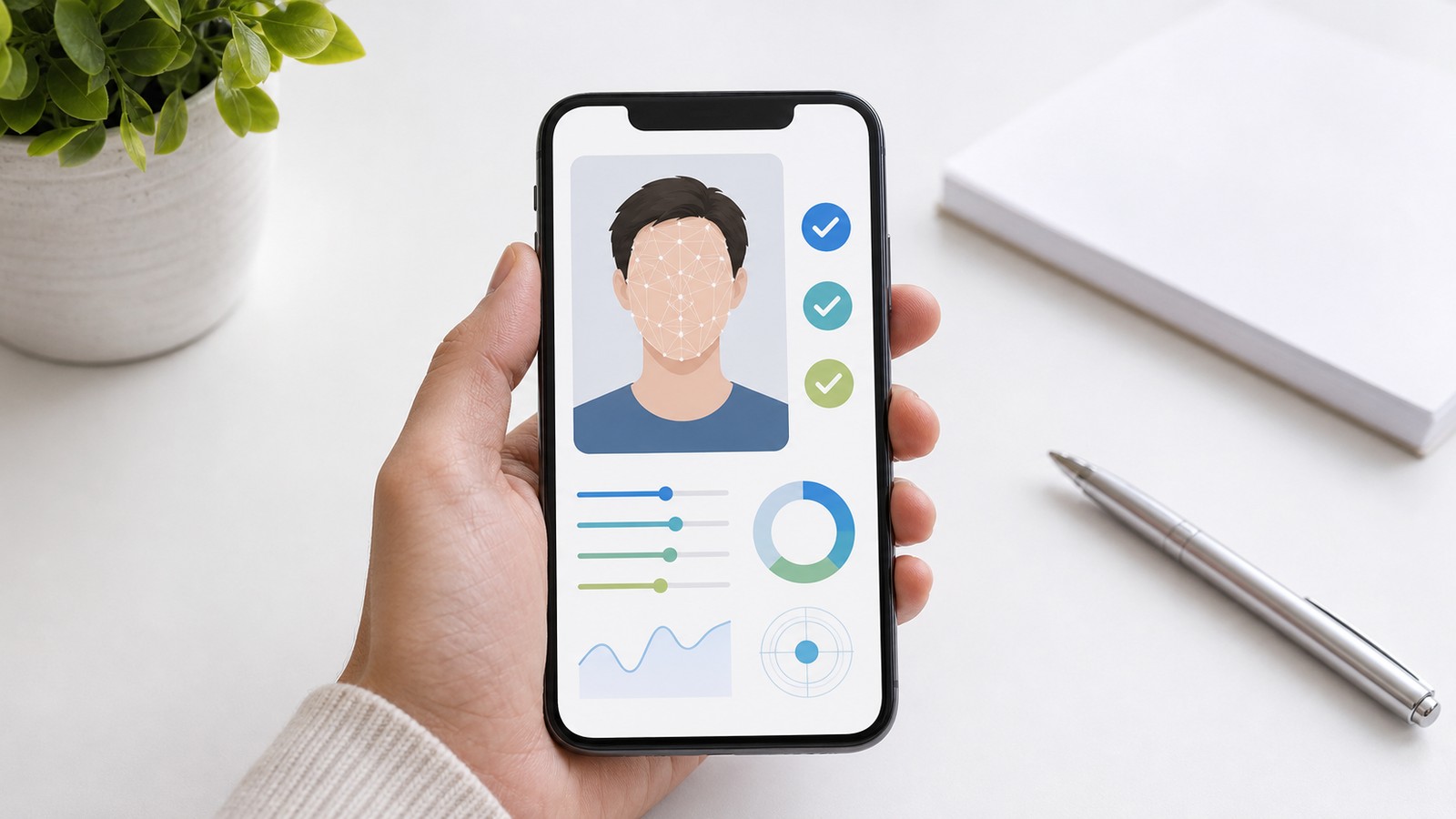
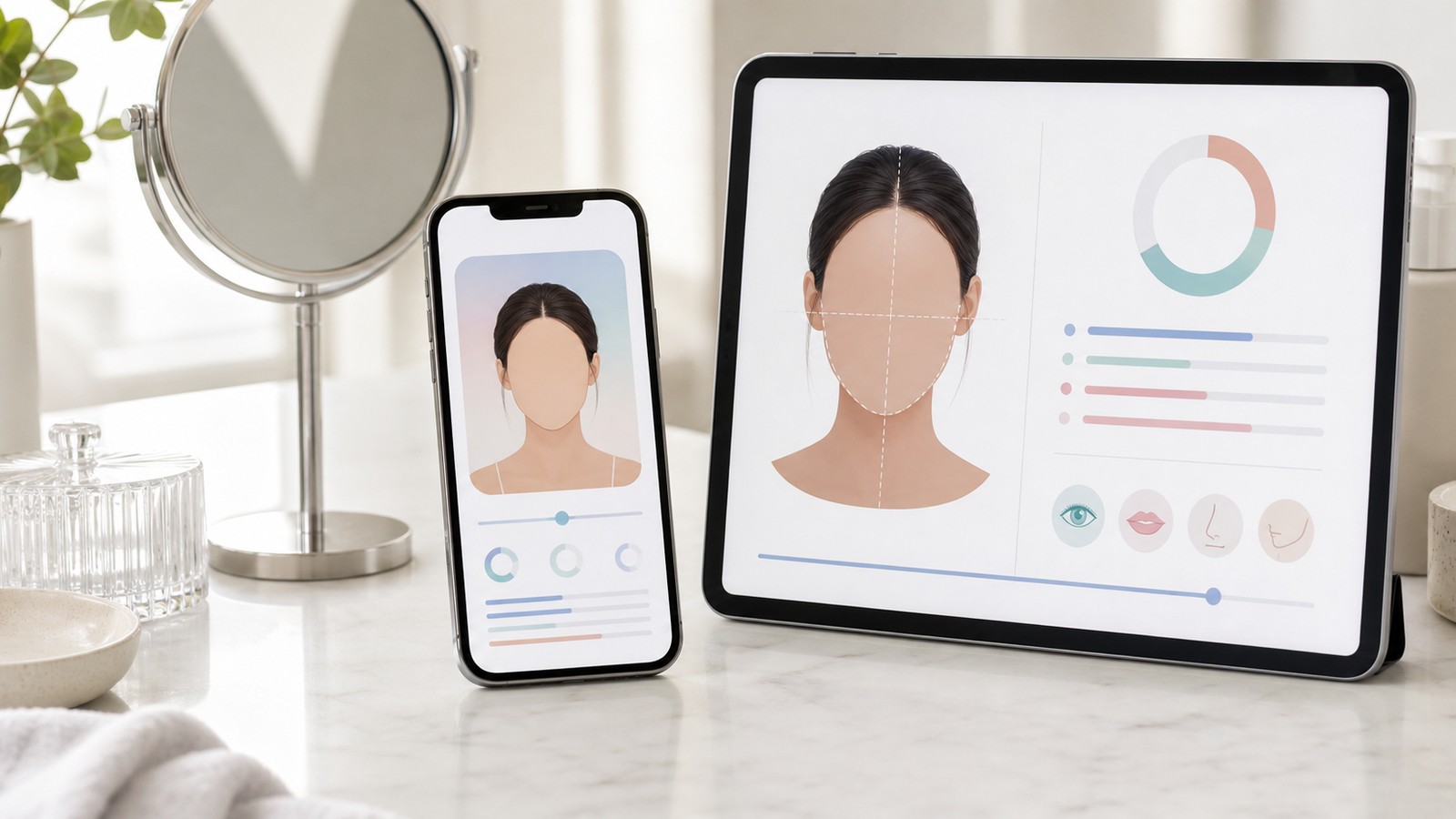
A face score calculator gives you a quick way to turn a face photo into a simple, readable result. FaceScore is designed for people who want an online face rating without installing an app or reading a complicated report. Upload a clear photo, run the analysis, and the result page shows a 100-point face score, a beauty score label, and a top percentage that helps explain where the result sits compared with the model's reference range.
The number is not meant to define anyone. It is an algorithmic estimate based on visible facial features in the uploaded image. Lighting, angle, focus, expression, hair position, and image quality can all affect the output. For that reason, FaceScore is best used as a practical reference: a way to compare photos, check how different images perform, and understand why one picture may read more balanced or polished than another.
When you use the face score calculator, the result is shown on a 100-point scale. A higher score generally means the model found stronger alignment with the visual patterns it has learned to associate with facial attractiveness, balance, and structure. The beauty score is paired with a percentile-style result, often shown as a top percentage, because a raw number alone can feel abstract.
FaceScore is also useful when you want a quick "rate my face" check without asking friends or posting publicly. Instead of collecting subjective comments, you can upload a private photo and get a consistent score format. The result does not replace human taste, style, or personality, but it can help you choose between several profile photos for social media, dating apps, resumes, creator pages, or personal branding.
For the clearest result, start with a photo where the face is easy to detect. Use natural light if possible. Keep the face facing forward or only slightly angled. Avoid heavy blur, deep shadows, extreme filters, sunglasses, and images where the face is partly covered. If you want to compare two photos, try to keep the distance, expression, and crop similar so that the beauty calculator is evaluating the face rather than large differences in image setup.
FaceScore is especially helpful for repeat checks. If one picture gives a lower score than expected, try another photo with better light and a relaxed expression. If several photos produce similar results, the range may be more informative than any single number. You may notice that small changes, such as softer light, better posture, cleaner framing, or a clearer face angle, make the result easier to interpret.
The calculator also works well for people who want a neutral starting point before making small presentation choices. You might test a cropped headshot, then a wider portrait, then a version with a simpler background. The goal is not to chase a perfect number. The goal is to see which photo communicates the face most clearly to the model. If the score improves when the photo is brighter or the face is centered, that is useful information for your next profile update.
A result such as "Top 39.3%" means the uploaded photo sits around the top four-tenths of the model's reference distribution. In plain language, it scored higher than about 60% of reference results. That is why percentile is useful: it tells you how to read the score instead of forcing you to guess whether the raw number is strong.
The score works best when you read it together with photo context. A face rating tool summarizes visible patterns such as balance, clarity, expression, and framing. A strong photo can improve the way the model reads the face, while a darker or blurry photo can lower the result. This makes the number useful when you want to compare several profile-photo options.
For this kind of tool, choose a clear photo, let FaceScore analyze it for the result, and read the output as a 100-point score with percentile context. The practical reading is simple: one photo, one model, one reference score, plus a top percentage that helps you understand where the image sits.
The face score calculator is simple on purpose: upload a face photo, receive a 100-point score, review the percentile and top percentage, and decide how you want to use that feedback. Whether you are curious about a beauty score, looking for a free face rating, or comparing photos before updating a profile, FaceScore gives you a structured reference without turning appearance into a promise or a verdict.
A face score is a 100-point estimate created from a face photo. FaceScore also shows a percentile and top percentage so the number is easier to understand.
Yes. FaceScore works as an AI beauty calculator and face rating tool for checking a face score, beauty score, and percentile from one uploaded photo.
A golden ratio face calculator, beauty ratio calculator, or face symmetry test focuses on ratio and symmetry ideas. FaceScore gives a broader face score with beauty score, percentile, and photo-quality context.
No. You can upload a photo online and view your face score result in the browser.
Use a clear front-facing photo with natural light, minimal blur, and the face visible.
Yes. Many users use the score, percentile, and top percentage as one reference when comparing profile photos.